
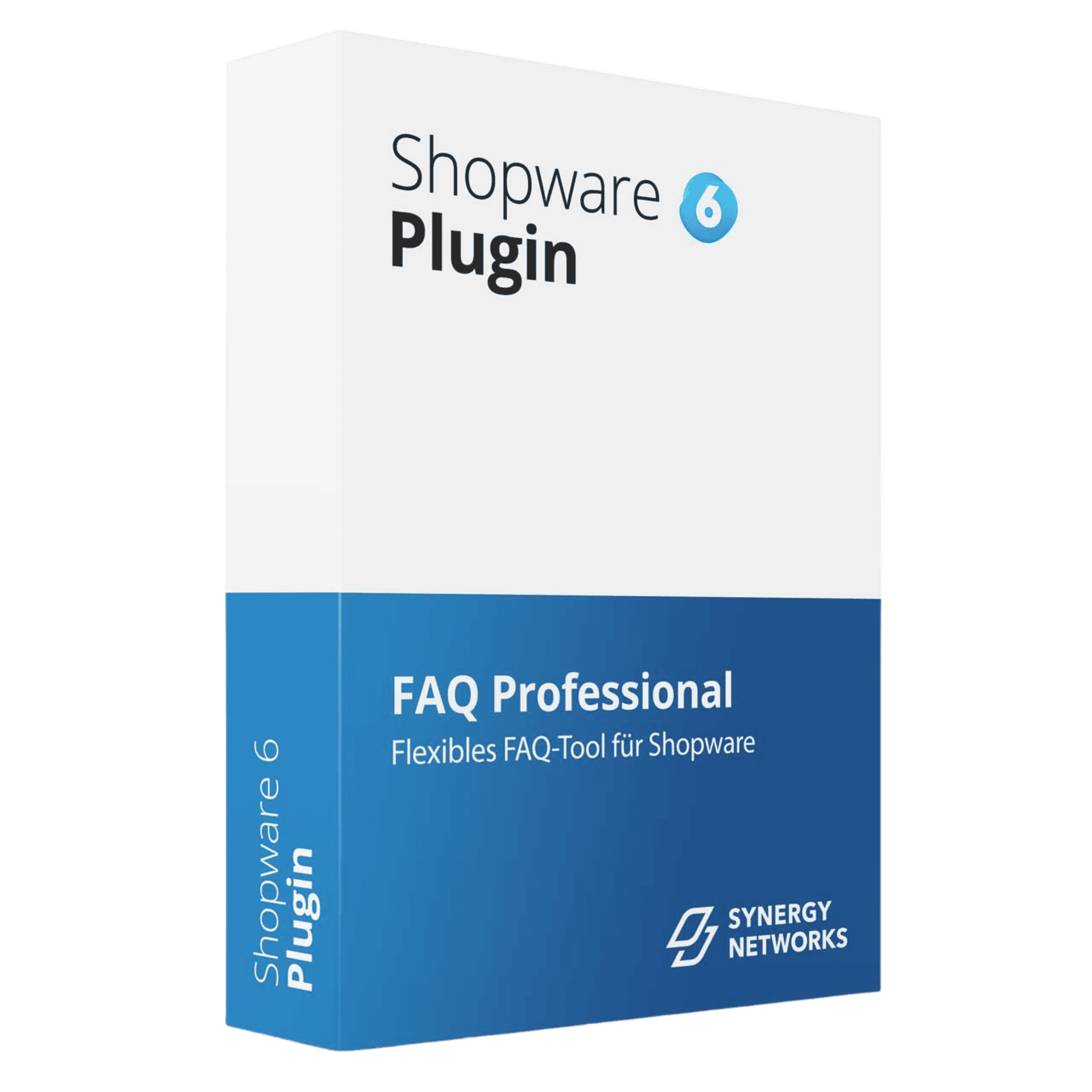
FAQ Professional: Manage questions and answers centrally in the Shopware backend
Related Posts
- Google Sitemap Professional: Scalable XML Sitemaps for Demanding Shopware 6 Shops
- Google Shopping Professional: Automatically Transfer Shopware 6 Product Data to the Merchant Center
- Xentral 2026: These Innovations Every Shopware Merchant Should Know
- Finding topics for your shop blog: four sources within your own range
- Maintaining product data: the underestimated success factor in online shops
Most read
- Scheduled post!
- Finding topics for your shop blog: four sources within your own range
- Reducing returns: seven levers that really work
- Maintaining product data: the underestimated success factor in online shops
- Shopware at a Glance: New Leadership, Fresh Releases and Agentic Commerce as the Key Theme
Latest posts
- Google Sitemap Professional: Scalable XML Sitemaps for Demanding Shopware 6 Shops
- Xentral 2026: These Innovations Every Shopware Merchant Should Know
- Scheduled post!
- Google Shopping Professional: Automatically Transfer Shopware 6 Product Data to the Merchant Center
- Finding topics for your shop blog: four sources within your own range
A central place for your FAQs
Anyone who runs a Shopware shop knows the problem: questions and answers are scattered across product texts, category pages and separate help pages. The FAQ Professional by SYNERGY NETWORKS GmbH addresses exactly this issue. The plugin keeps questions and answers in a single place in the admin and displays them where your customers actually need them.
Instead of maintaining content multiple times, you work with a central repository. The output is context-dependent – this reduces editorial effort and ensures that identical information does not diverge across several locations.
Where the content appears
FAQ Professional displays the maintained questions and answers at several relevant touchpoints in the shop:
- At the product – right where purchasing decisions are made and product-related questions arise.
- In the category – for overarching questions that concern entire product ranges.
- In the search – so that users can also find suitable answers via the internal search.
- At the shipping method during the ordering process – at a point where uncertainties about shipping and processing frequently arise.
Through these placements, your customers encounter the relevant information along the entire customer journey, without having to leave the shop.
Interaction and analysis
FAQ Professional is not limited to mere display. As soon as a question is expanded, the plugin counts this view. In addition, visitors can leave feedback on the respective answer. Both signals feed into the analysis in the backend.
For you as an operator with ERP and process expertise, this results in a data-driven view of your FAQ repository:
- You recognize which questions are actually viewed and where there is a need for information.
- The feedback shows whether an answer is helpful for users or should be refined.
- On this basis, content can be revised in a targeted manner instead of being maintained by gut feeling.
This turns the maintenance of questions and answers into a measurable component of your content work that is based on real user behavior.
Technical requirements
FAQ Professional is designed for use in modern Shopware installations. The basis is Shopware from version 6.7.0. As a PHP environment, versions 8.2 to 8.5 are supported.
The plugin behaves flexibly with search: if Elasticsearch or OpenSearch is available in your environment, this infrastructure is also used. If no search cluster is available, the search runs via the database. You can therefore operate the plugin both in lean setups and in environments with a dedicated search backend.
Uninstallation with a choice
One point that is often underestimated in practice is the clean handling of data during removal. When uninstalling FAQ Professional, you decide for yourself whether the collected data is retained or removed. This gives you control over whether you want to keep your FAQ repository and the associated analyses for later reuse.
Classification for ERP and Shopware users
For shop operators who use Shopware productively and set up their processes in a structured way, FAQ Professional fits into a central maintenance approach. The content is located in one place in the admin, is displayed contextually and made measurable through view counts and feedback. This corresponds to the logic you are already familiar with from data-driven work with your systems: maintain, display, analyze, optimize.
Especially in a landscape where processes span several systems, a tool that avoids redundant maintenance and provides key figures on the effectiveness of the content pays off.
Trying it out recommended
The best way to get an impression is to interact with the plugin directly. In this demo environment, you can test FAQ Professional at your leisure – the backend is also open to you. Expand questions, leave feedback and see how views and feedback come together in the analysis.
You can find the full range of functions as well as the documentation on the product page. This gives you a practical impression of how centrally maintained questions and answers fit into your Shopware shop.
This post was created with the support of artificial intelligence and has been editorially reviewed.
Related products
Comments
No comments yet.
Write a comment